Spring Ai redesign
Objective: transforming a first successful Beta version of this powerful Ai tool into an improved, refined and on-brand experience.
The context and the problem
Spring is an Ai powered tool that generates packaging images made to inspire our customers with their branding and help them understand the type of packaging they need.
The context: the initial version of Spring, live for 10 months, generated 200,000 images, drove 346 B2B leads, and produced $8K in marketing revenue without any spend, attracting notable clients like Unilever — all achieved and launched within 4 weeks from prototype.
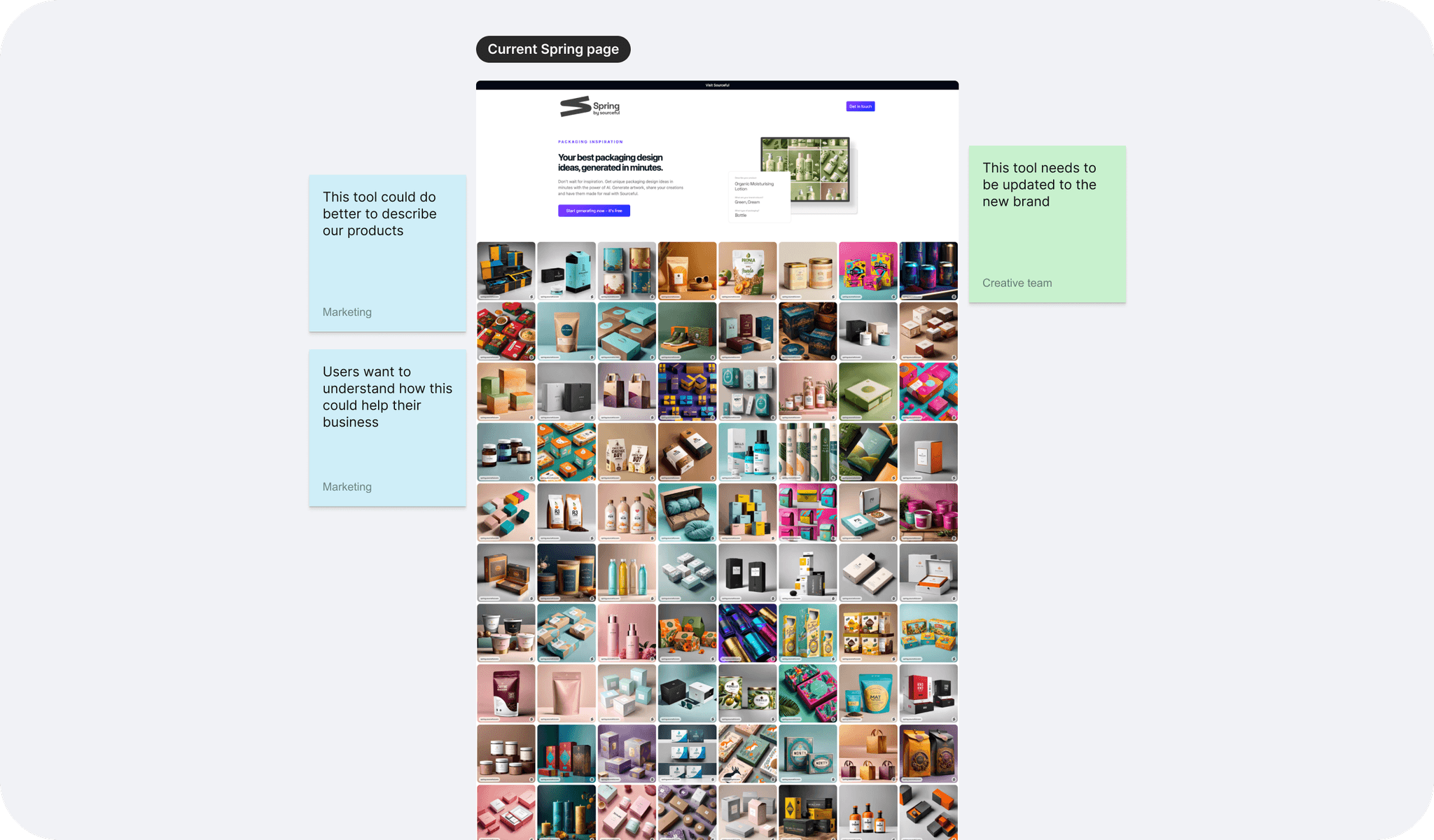
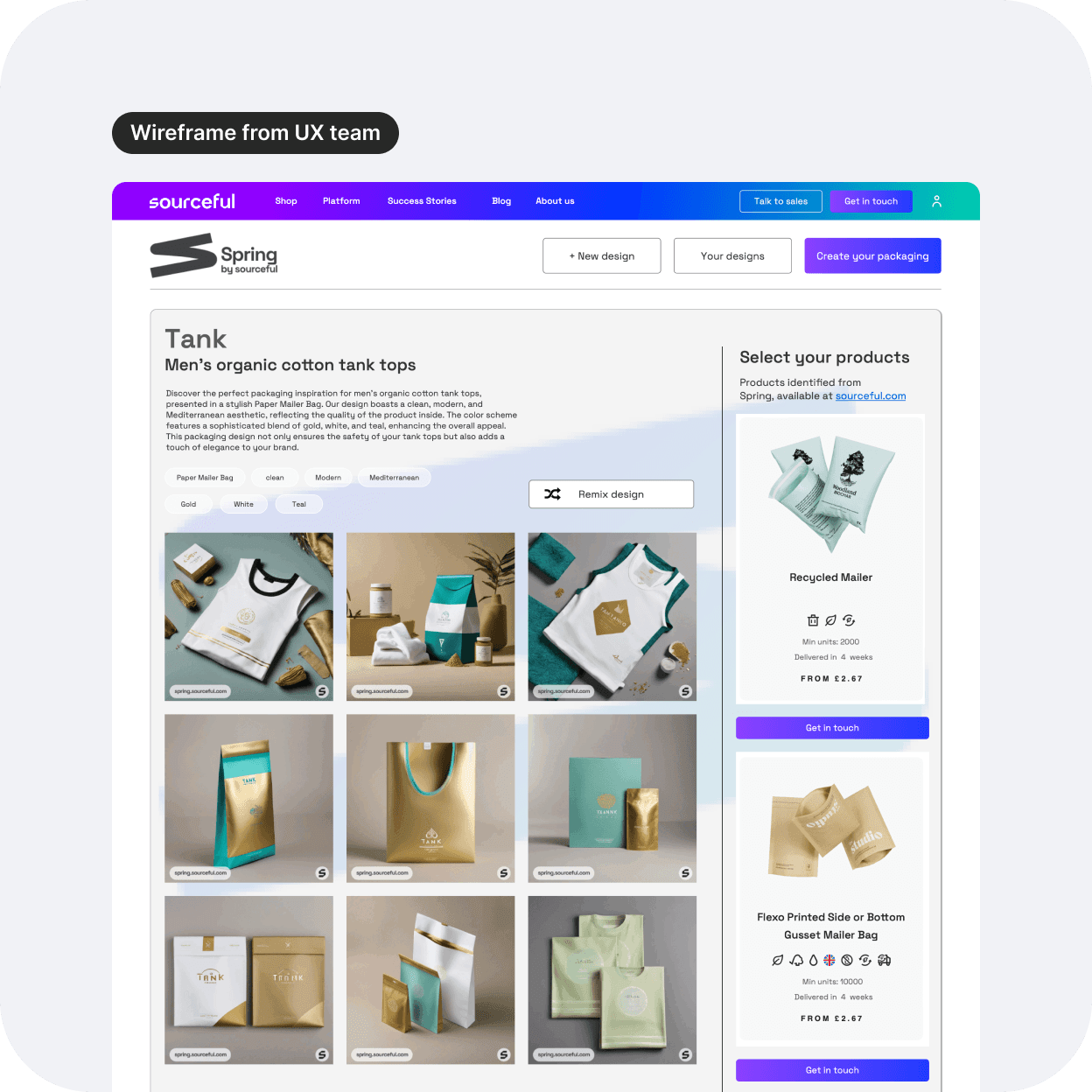
The problem: the current Spring tool fails to align with the new brand identity and the latest Design system. It lacks consideration for the ideal users' needs and does not effectively connect the displayed images to our product offerings. This disconnect reduces the tool's effectiveness and user engagement.
The goal and my role in this cross-functional collaboration
The redesign will consolidate the brand and this powerful tool, making the experience flawless, more professional and efficient.
Here is a list of my tasks:
Design the UI that aligns with the new branding.
Refine the UX visuals for the entire user flow: from the landing page to the results page.
Keep consistency with newly branded pages already live.
Come up with a UI for additional information added on the results page.
Present the final designs to the stakeholders and the engineering team.
The design process
With an existing live page and fresh new wireframes, I am well equipped to start this project. However it can sometimes be a little tricky to come up with new ideas when so much is already visually present on the page for you.
I decided first to take a step back, and place myself as the user. How would I love to feel if I landed on a page that presented me with a tool like this? Play. Immersion. Inspiration. Wowing effect. That's what came to mind, and I tried it out, of course within the range of what we could actually build for that new version.
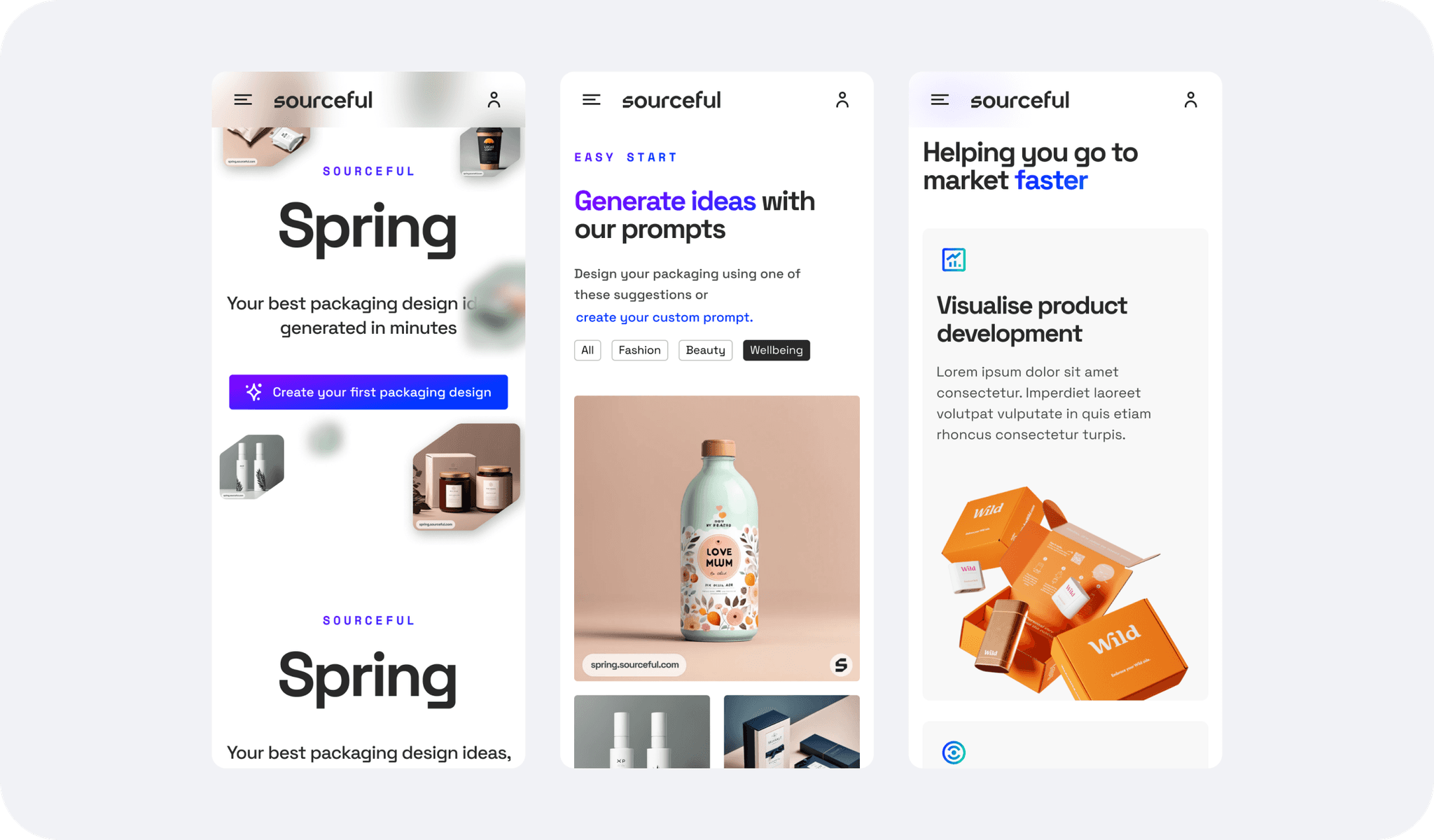
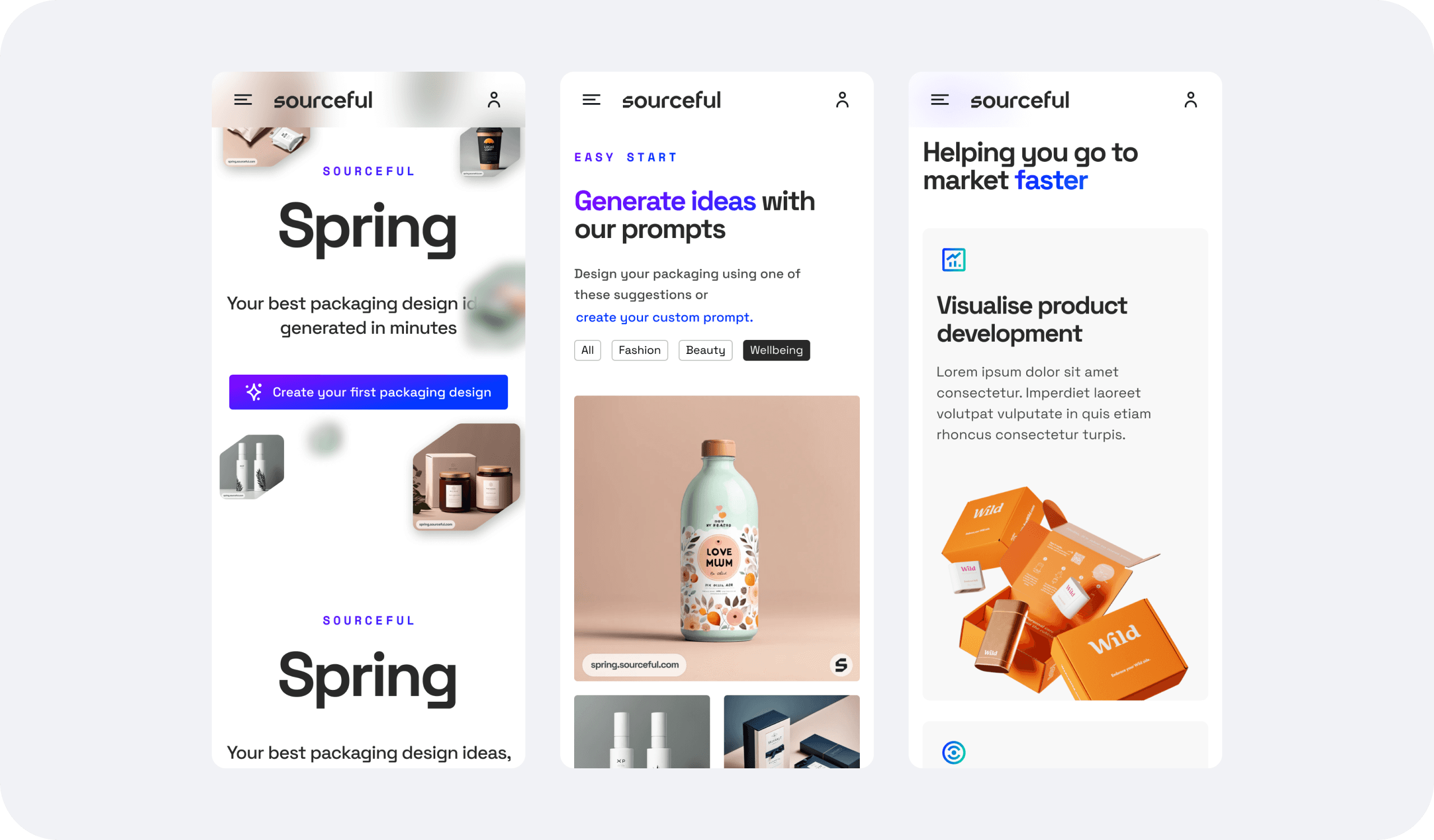
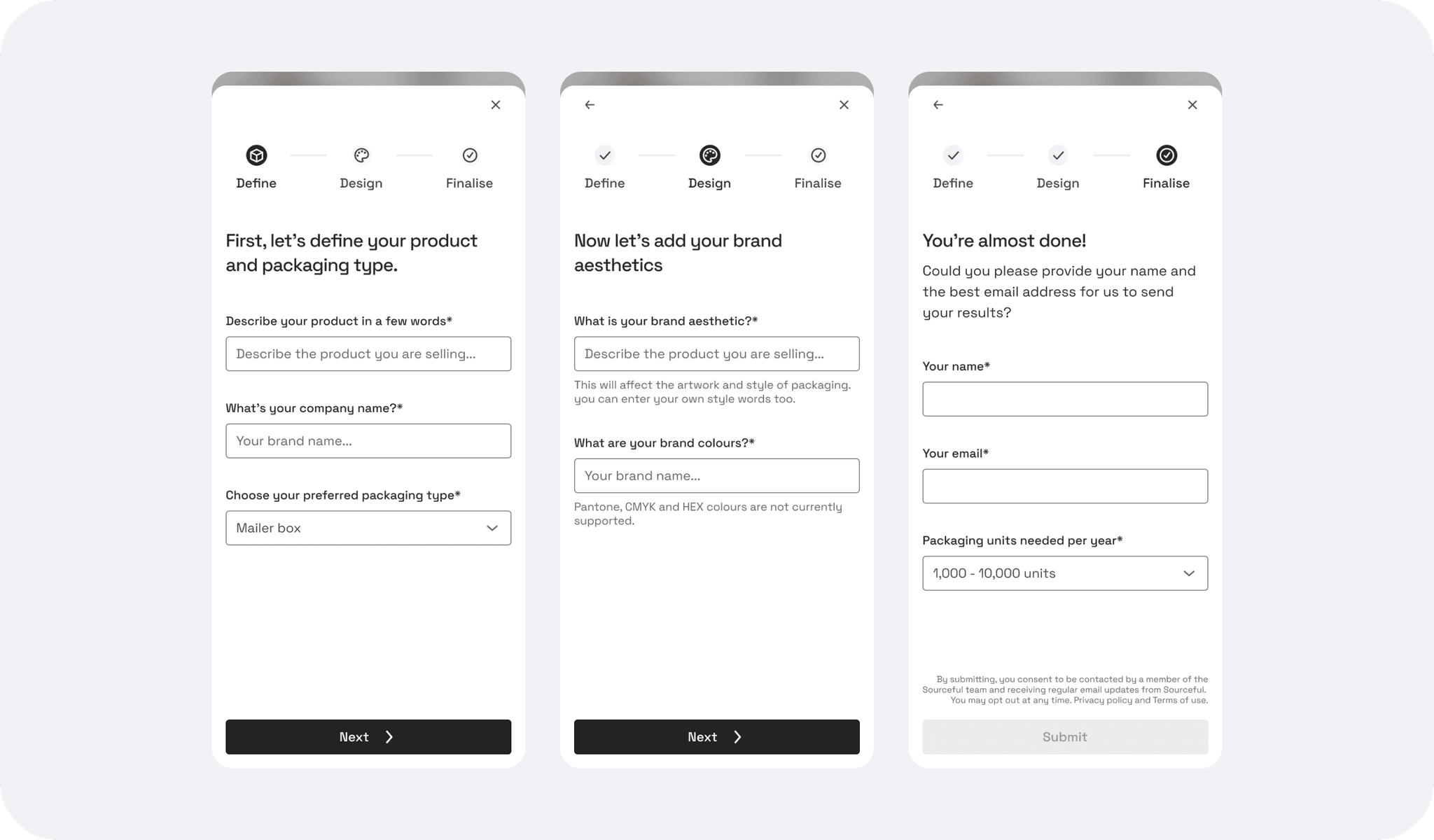
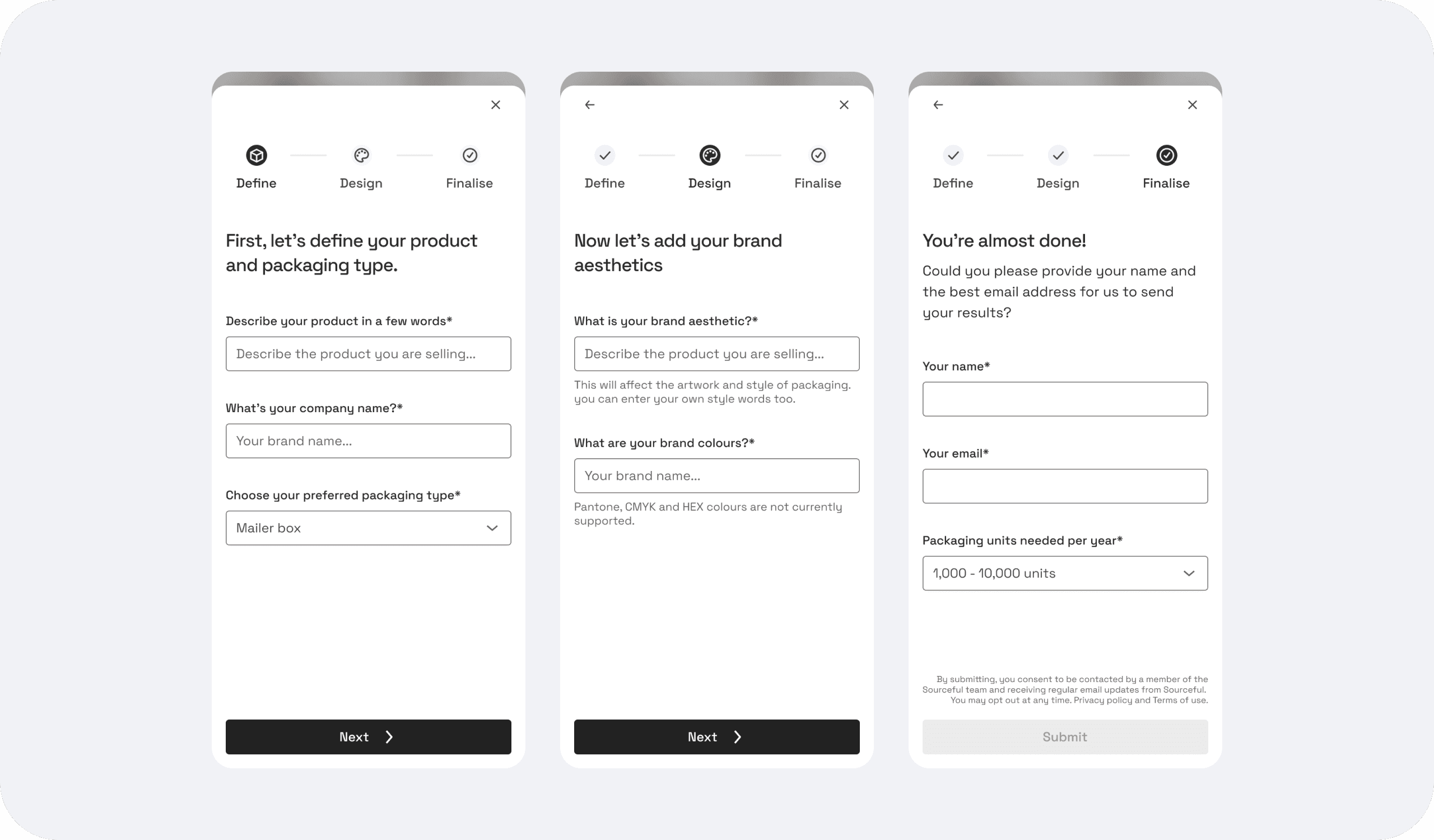
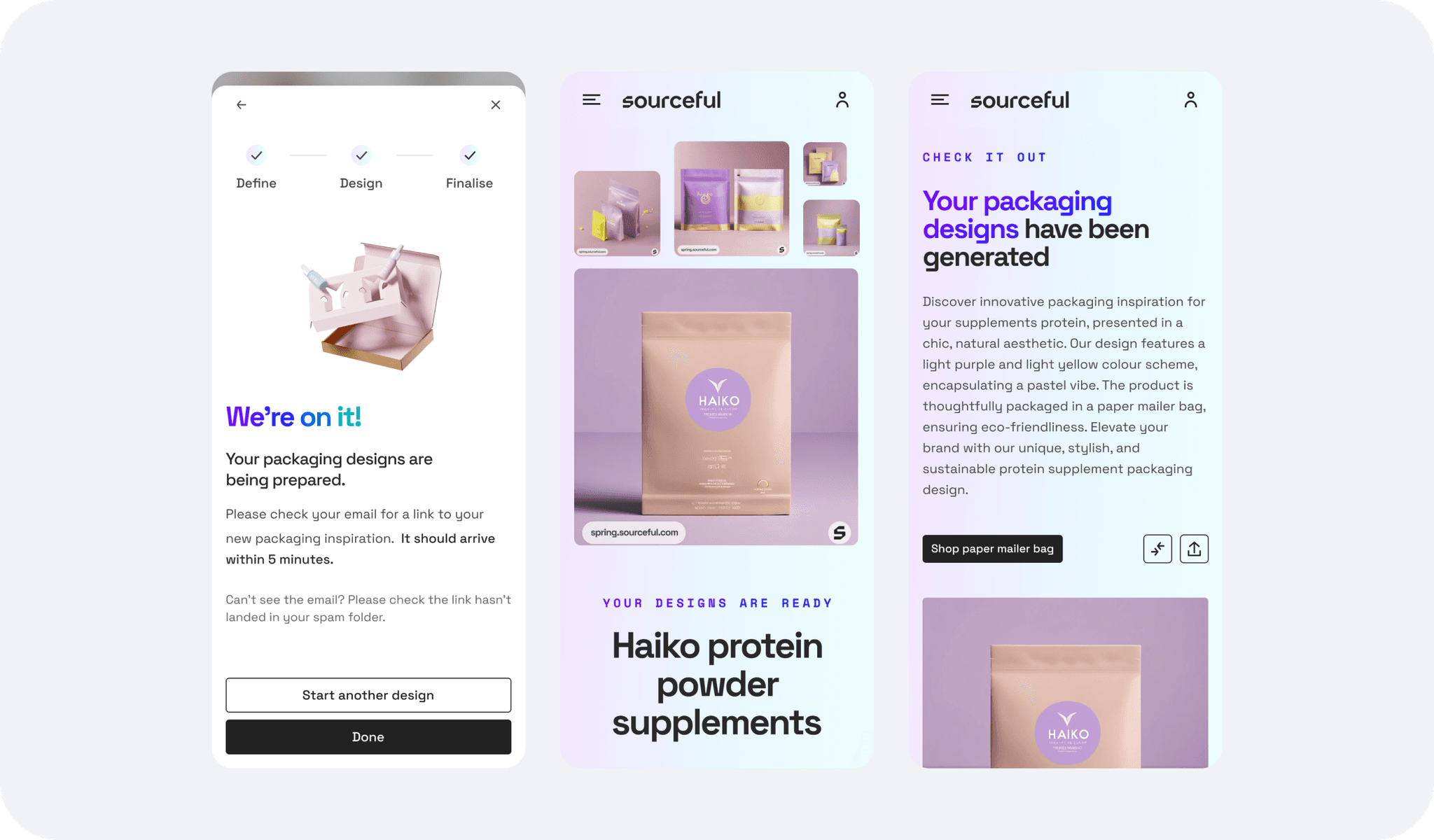
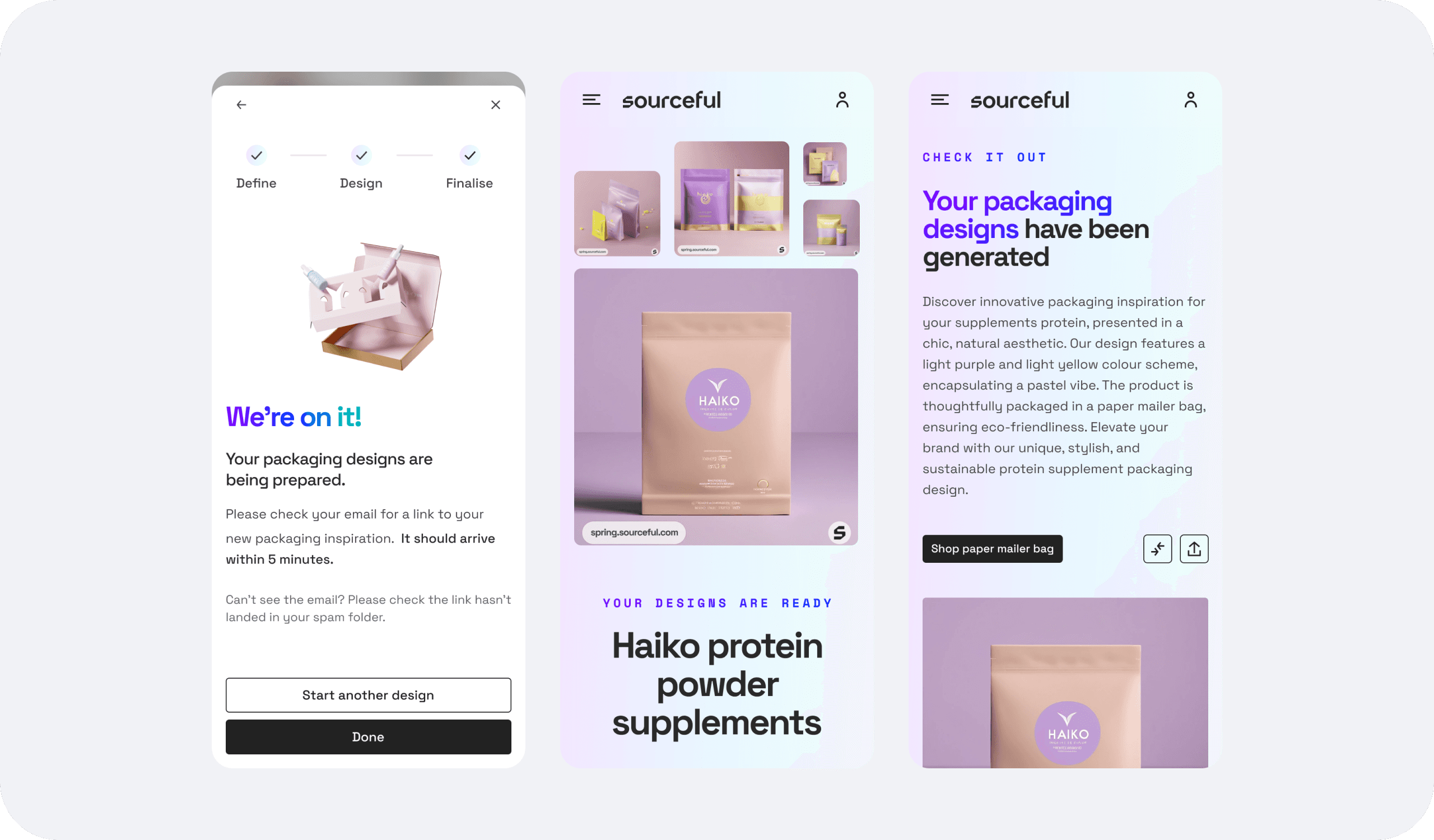
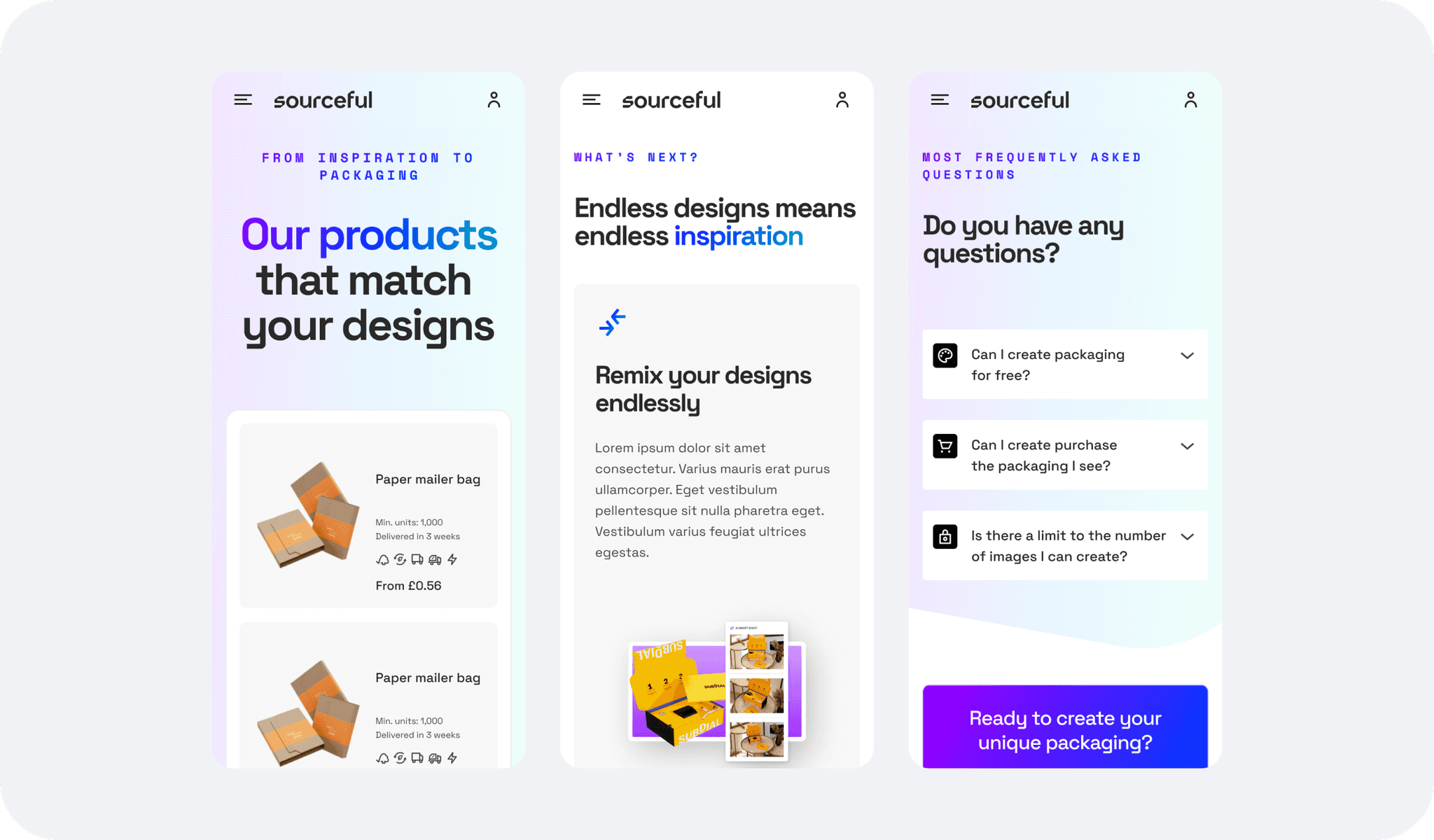
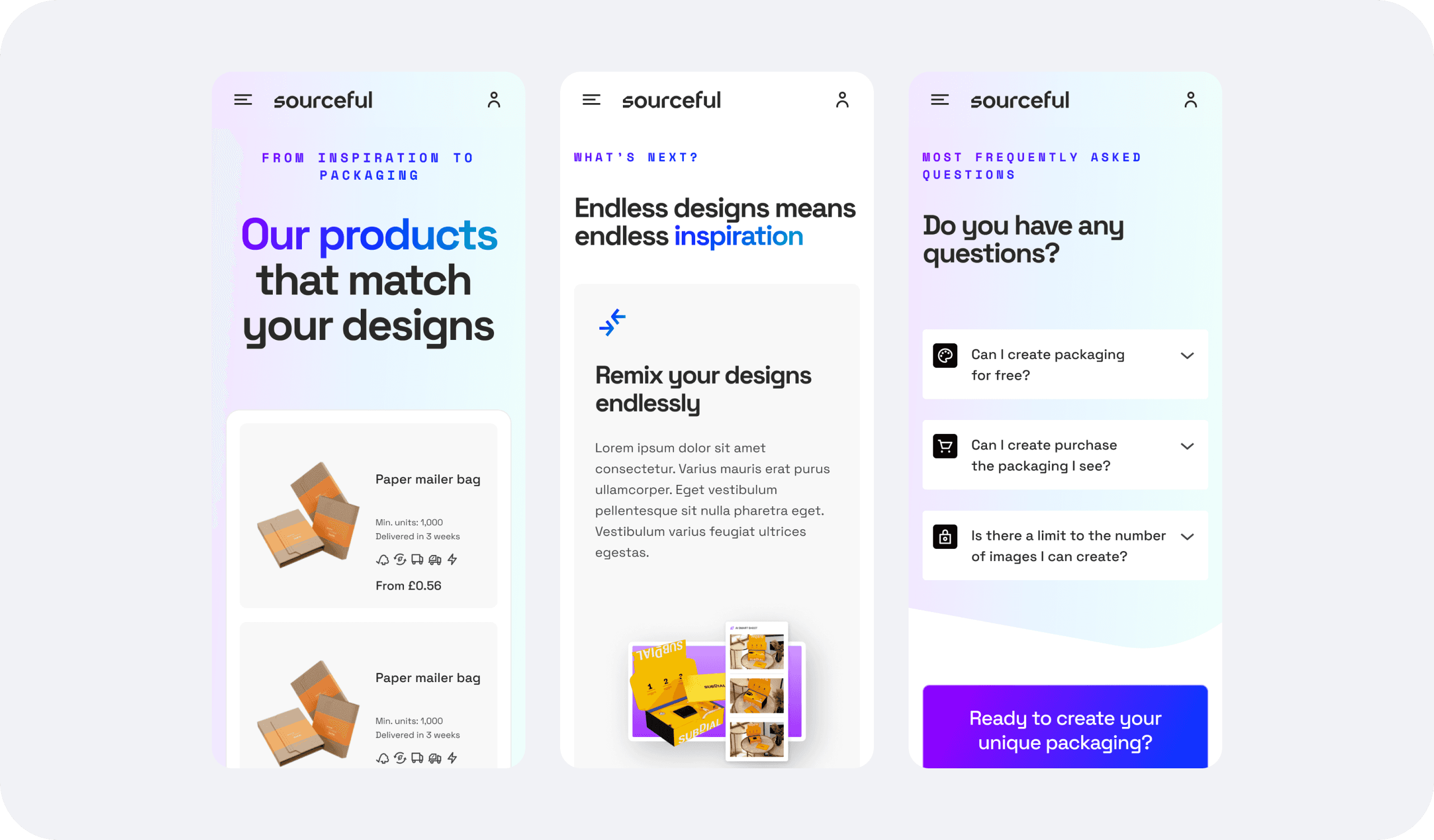
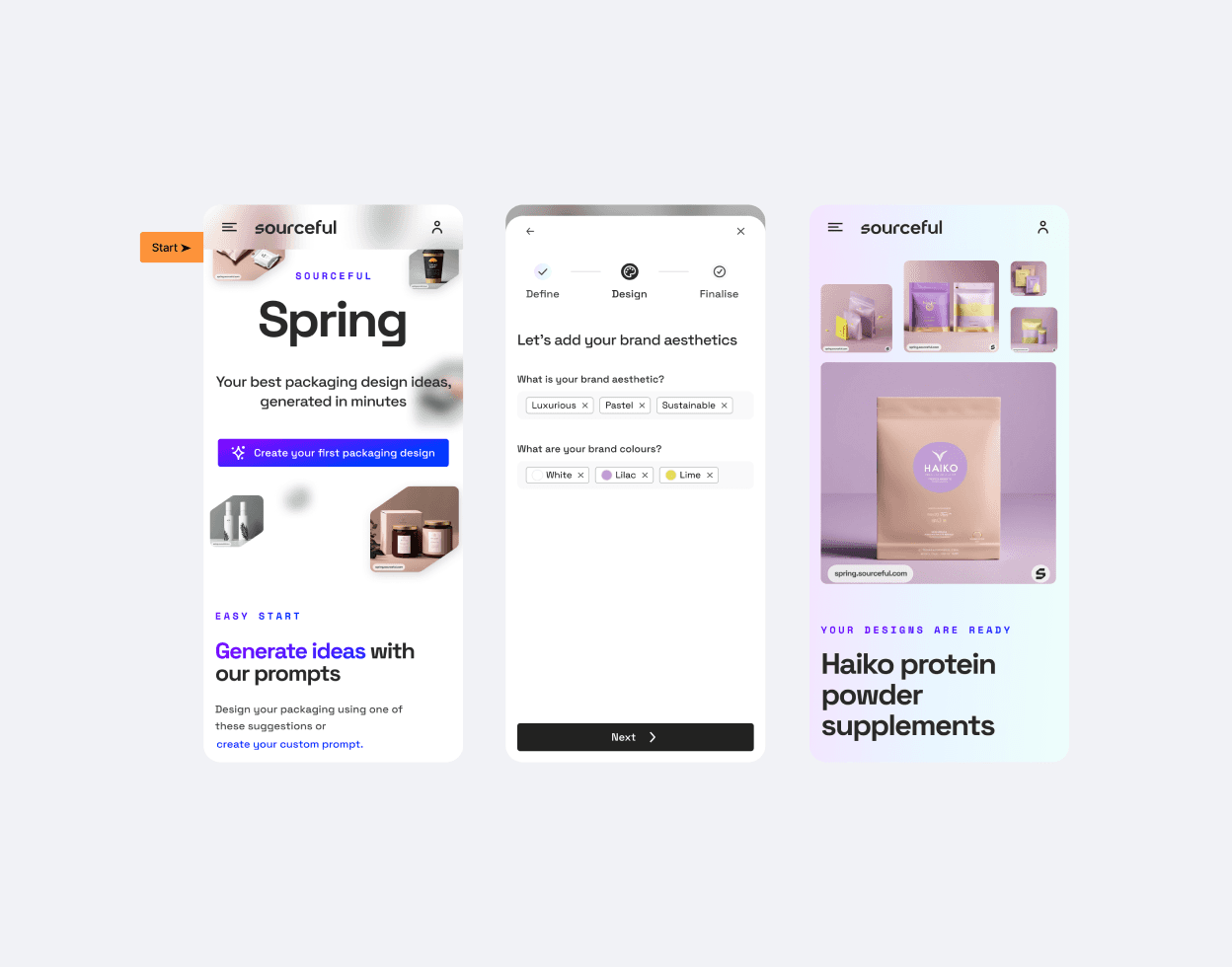
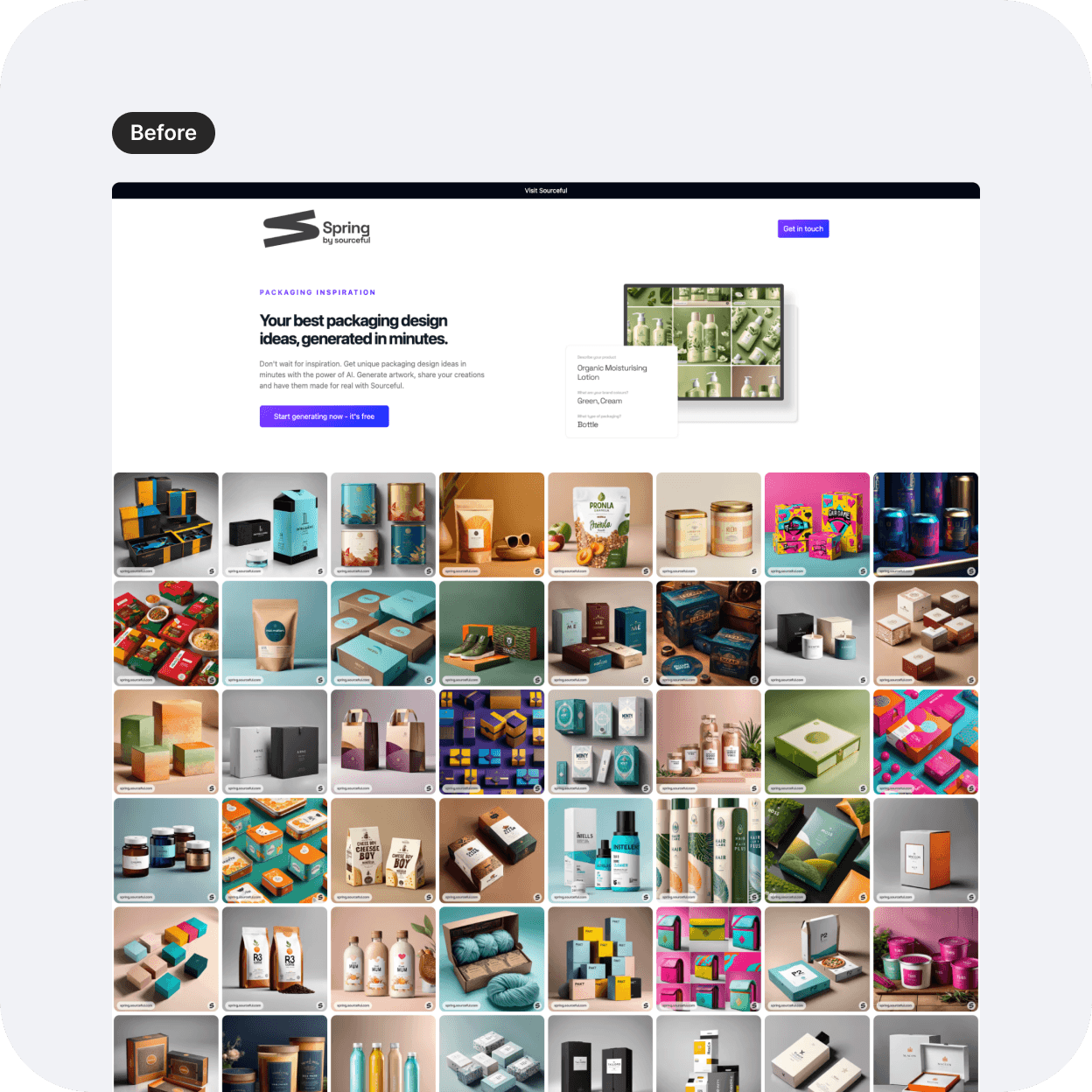
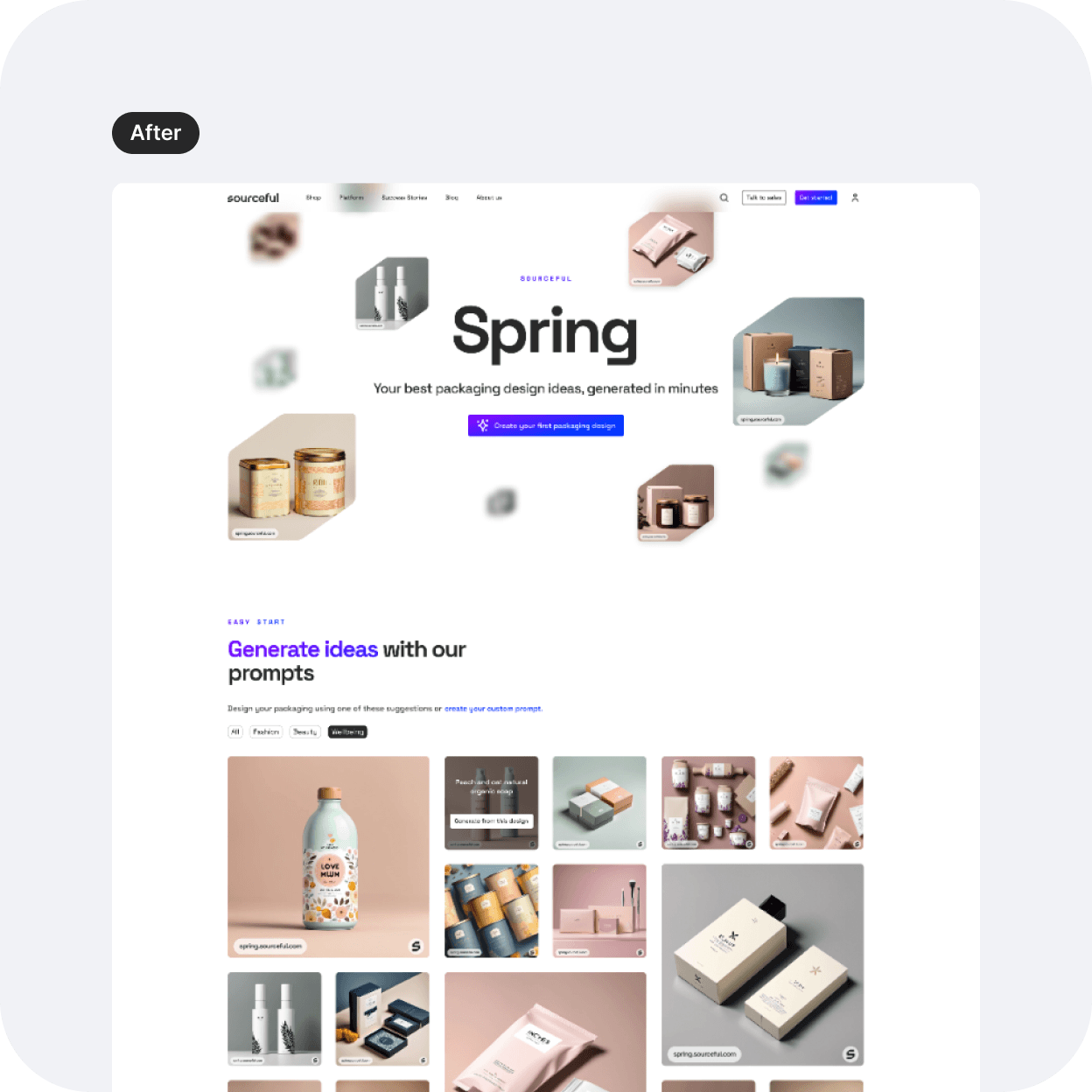
The flow remains the same as the first version, however I did update each screen to match the new branding. In this project, let's focus particularly on the header, the gallery, and the results page.
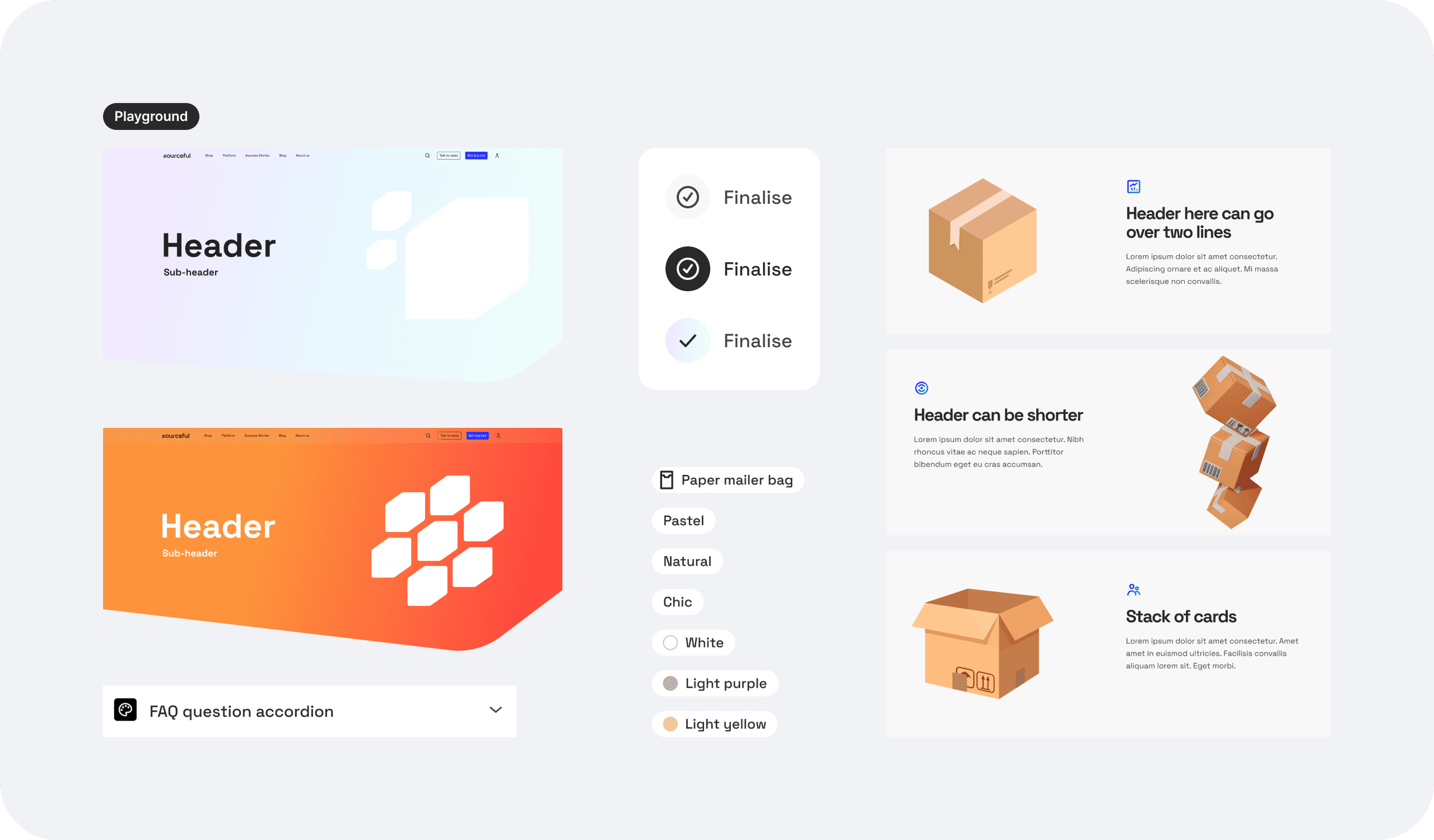
The header
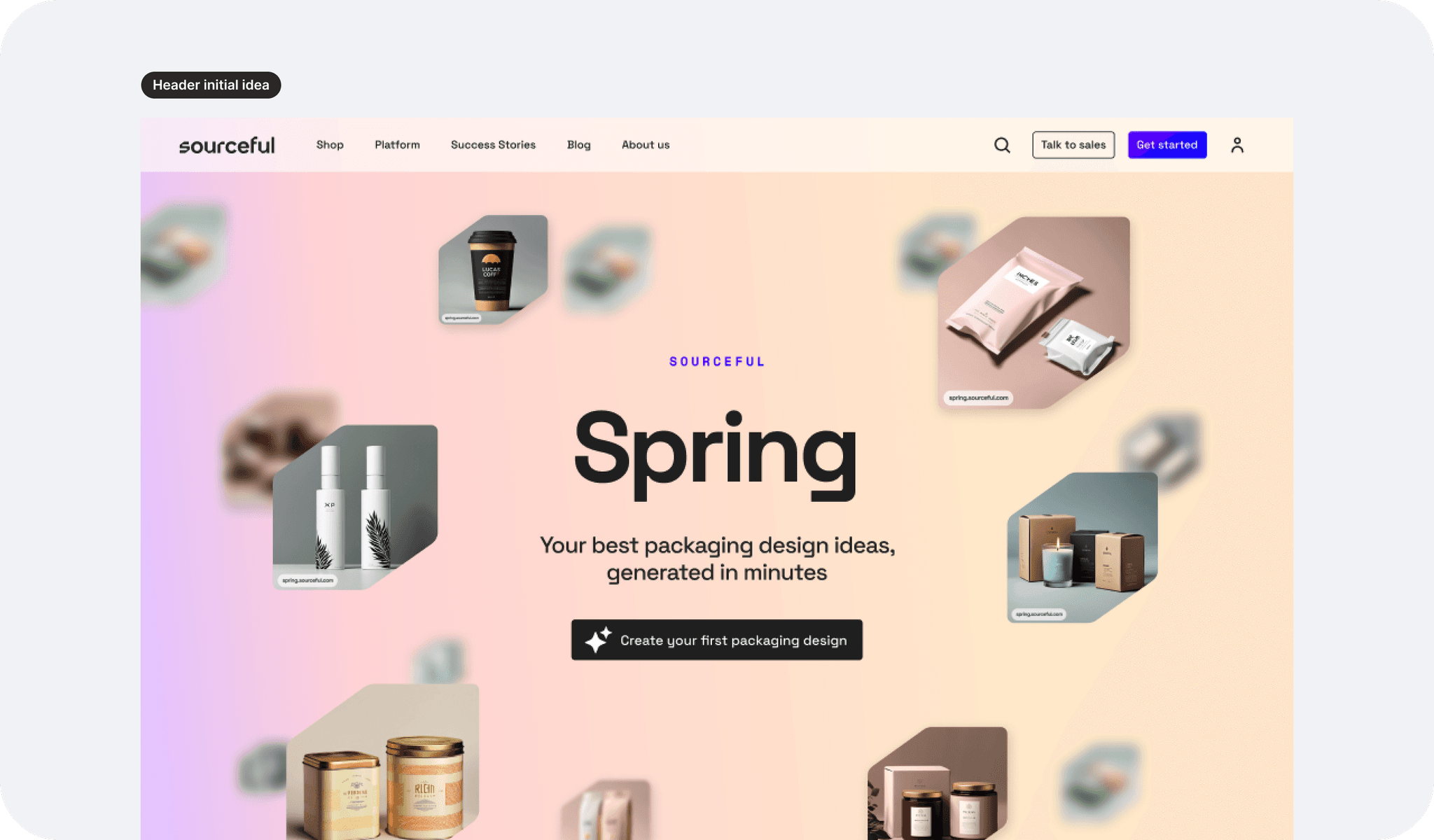
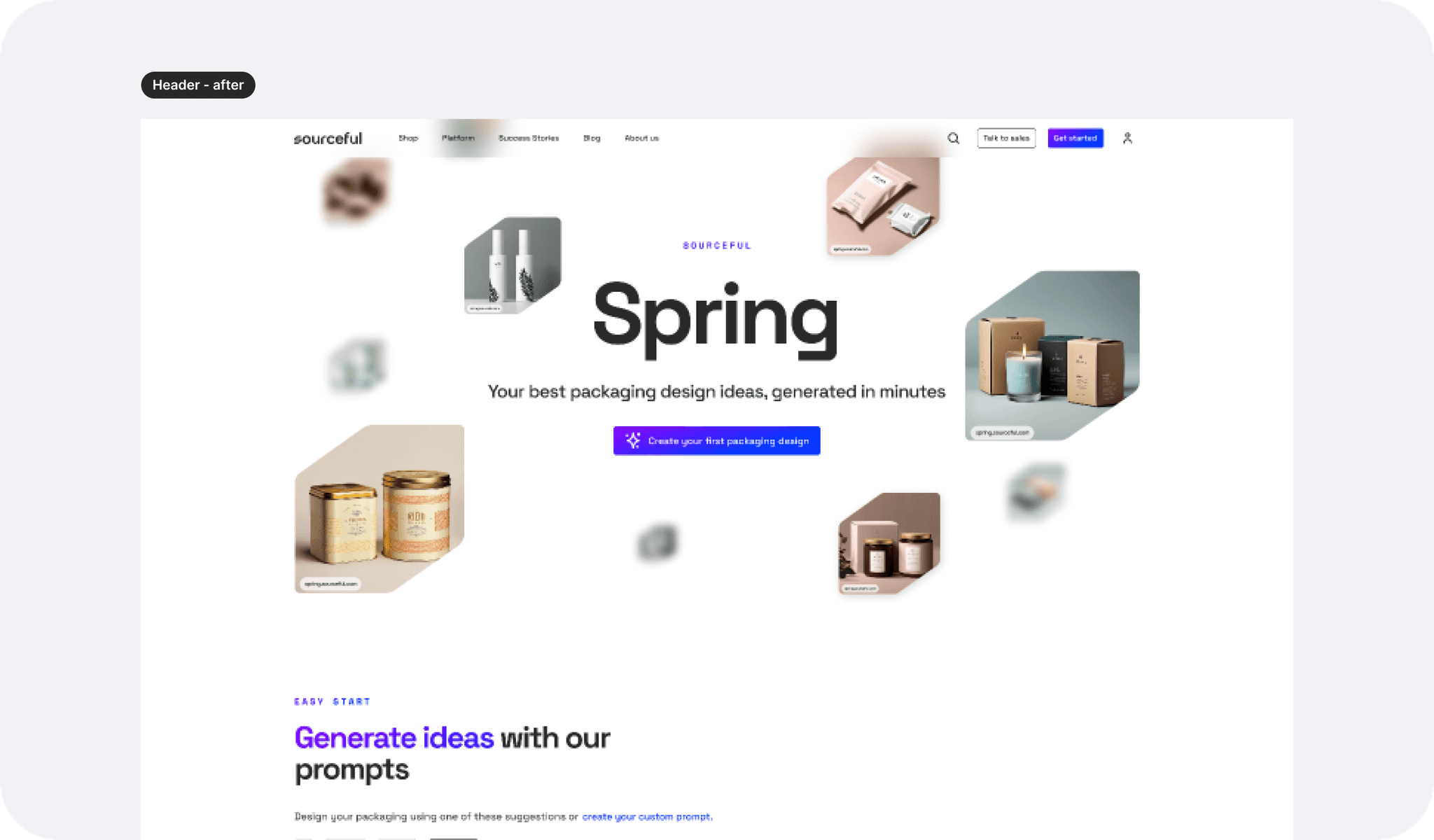
The suggested header on the wireframe put the emphases on the call to action, in a similar way the first version header did. Keeping that in mind, I decided to suggest some options for something that would feel immersive yet airy so that the user would:
Understand what this is about before clicking the CTA
Be able to click straight on the CTA if that is not their first visit.
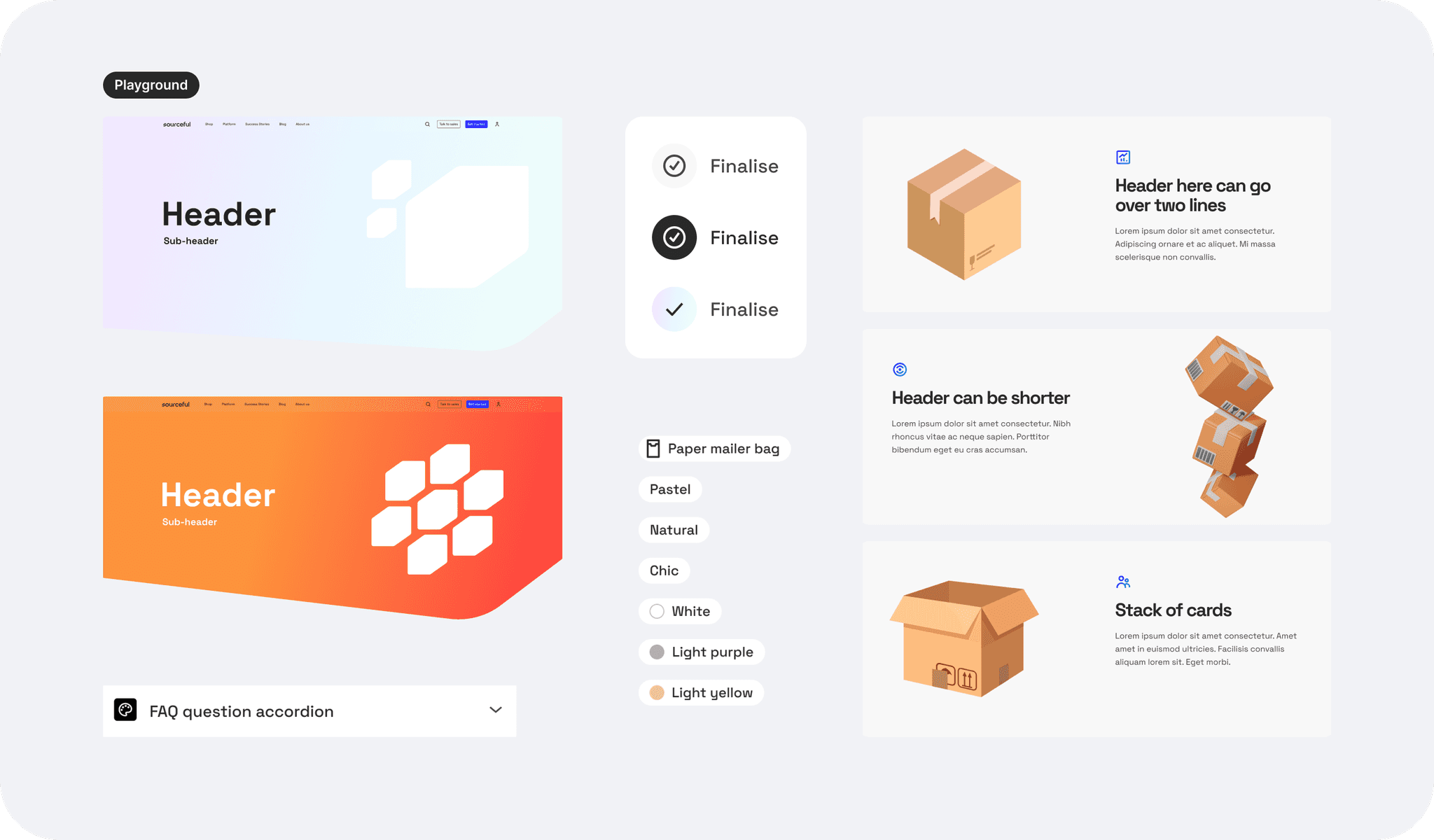
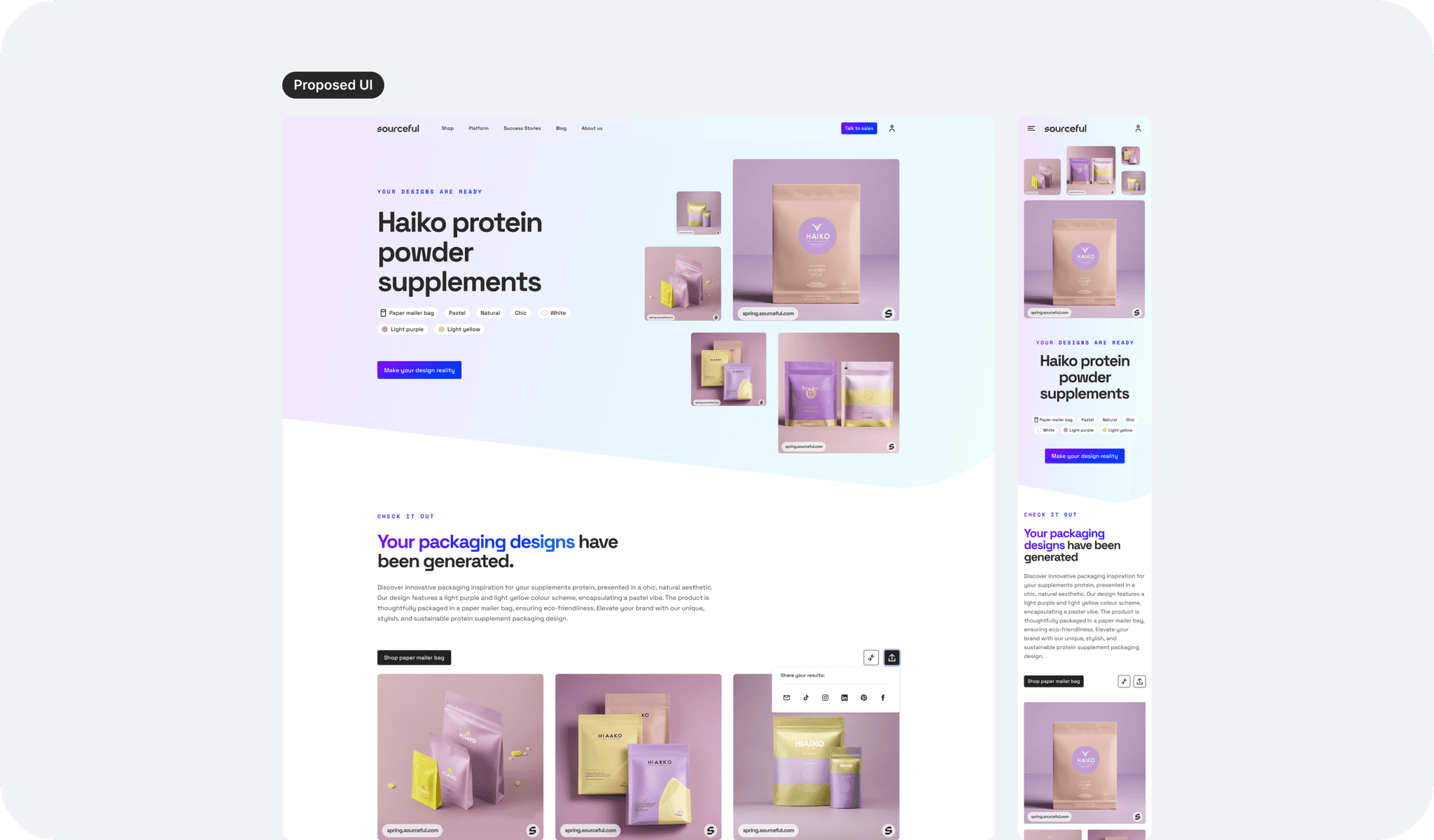
I also played a lot with different header styles to showcase the brand, including a gradient background, although since the display will show different and random images, I wanted to avoid a colour clash and a potentially aggressive first view, so I opted back for a white sleek background.
The gallery
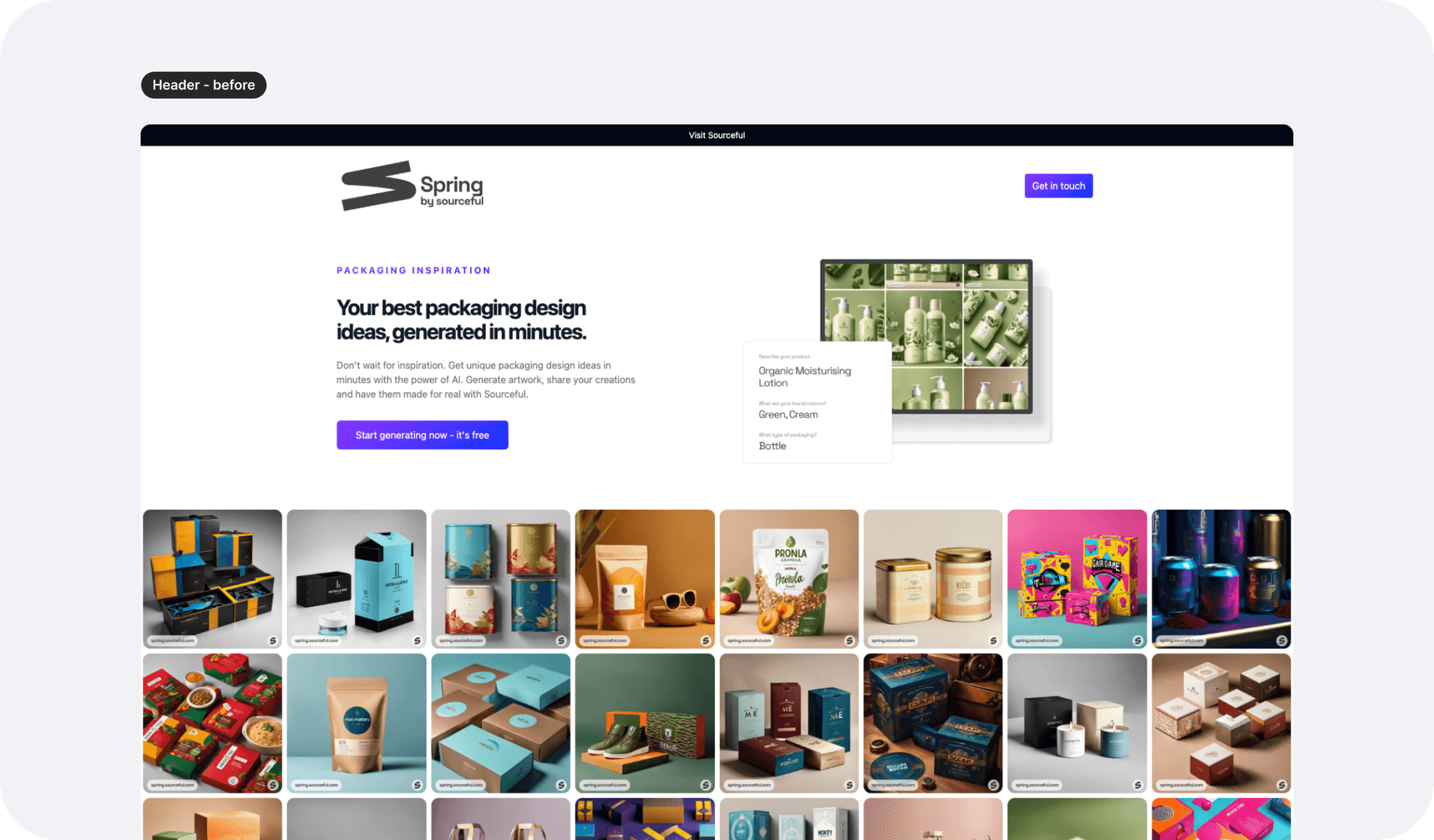
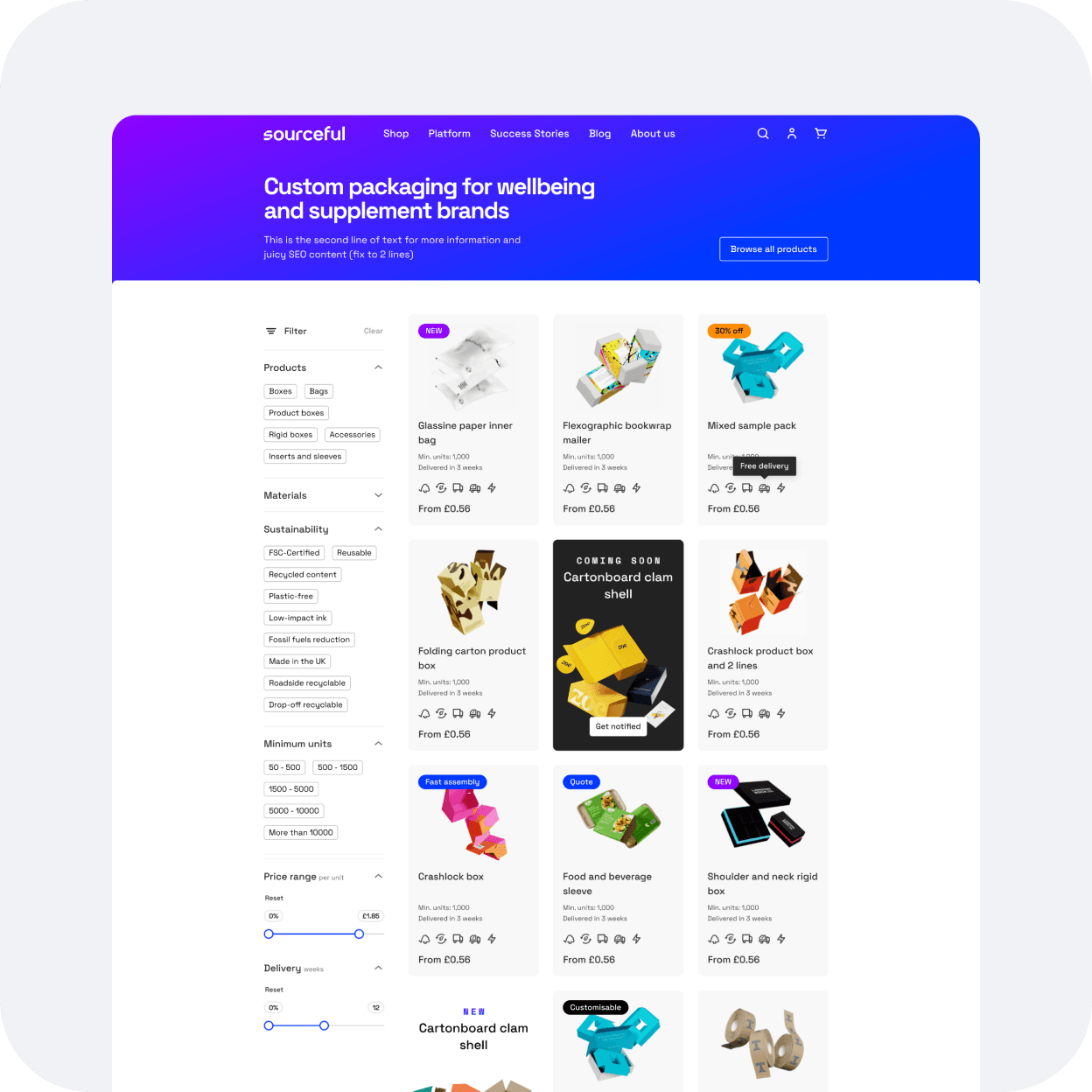
On the live version, the gallery images all appear at the same size, which felt a little redundant if the gallery was made really long. Surely, in some way we allowed users to see many ideas, but could this also feel maybe a little overwhelming, especially when viewed on a smaller laptop for example?
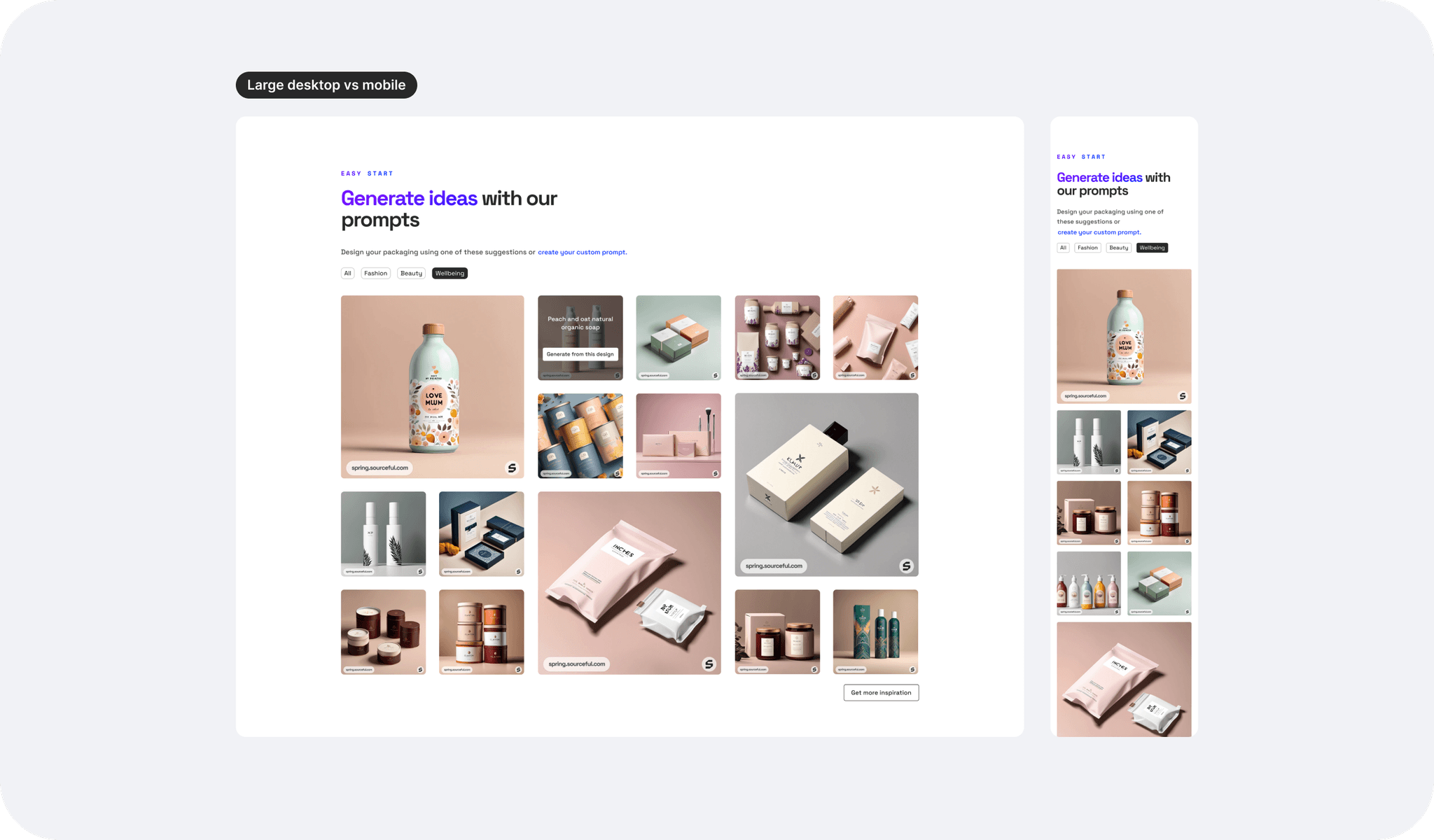
I therefore suggested to display the gallery with different image sizes but all keeping the same 1:1 ratio, hopefully not complicating the work for the engineering team when implementing the new design changes. The page also breathes a little more this way.
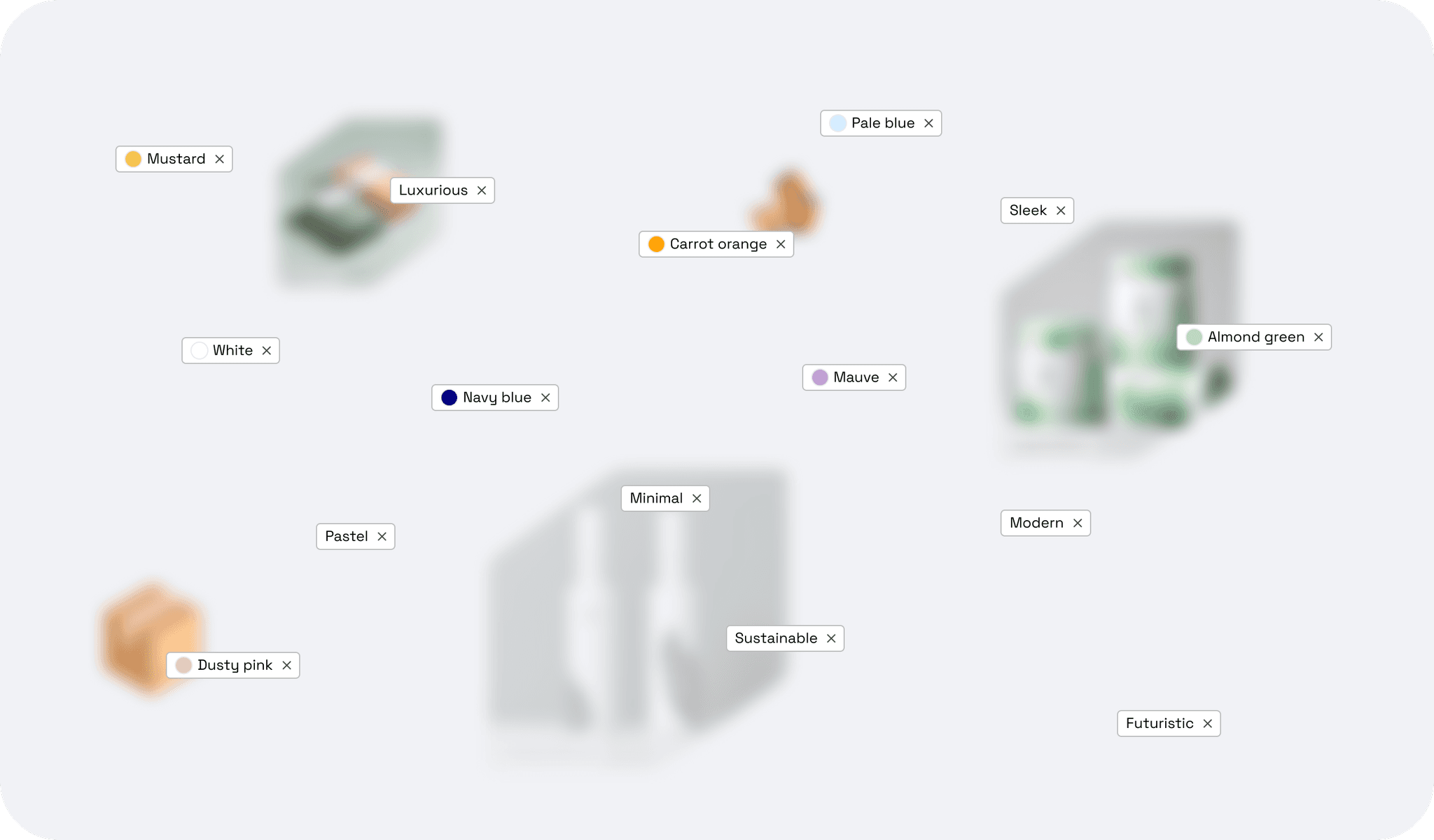
There are also industries added to the gallery section with tags so the user can easily navigate through different inspirational themes.
The results page
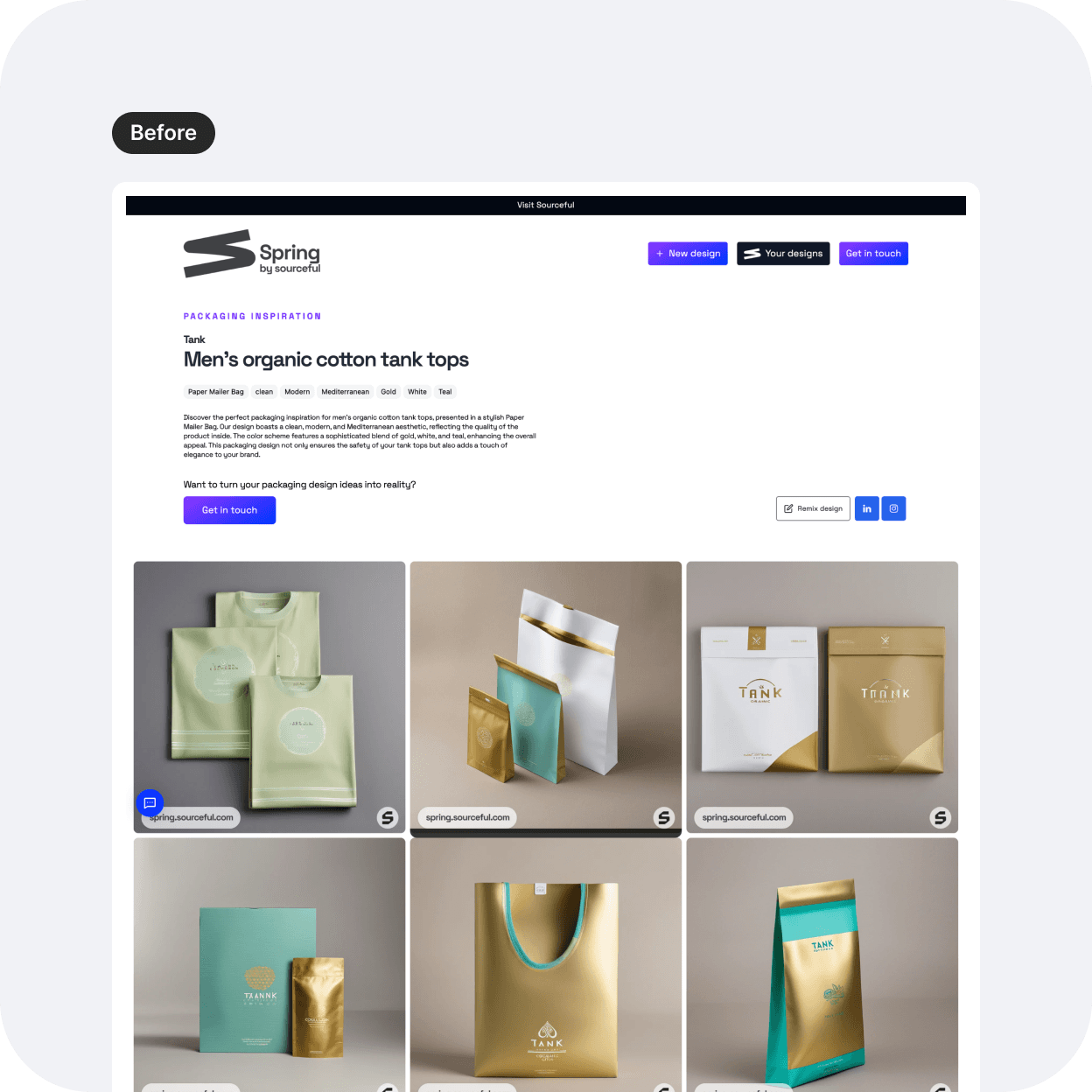
Originally, the UX wireframe proposed to have text and tags within the header. Considering this is primarily a visual tool, I proposed to add the text further down the page and to display the images first with bite-size content instead (tags here work).
I tried the branded gradient background here and it seemed to tie in the elements of the title and images together much better than my original idea to have it on the landing page. Since there is more information displayed on this page as we scroll down, that gradient is also tying together the page nicely.
Let's get this signed off!
Once the hi-fis were approved within the design team, I presented back to the stakeholders, and the engineering team and the project was approved with no request for amends.
Learnings, and next steps:
I was asked to create a presentation template for the design team from the one I presented as it was successful and qualified as very efficient and helpful.
The project was handed over to the engineering team and is now live at spring.sourceful.com
Here are some screenshots below until a video comes out to show the flow better.